
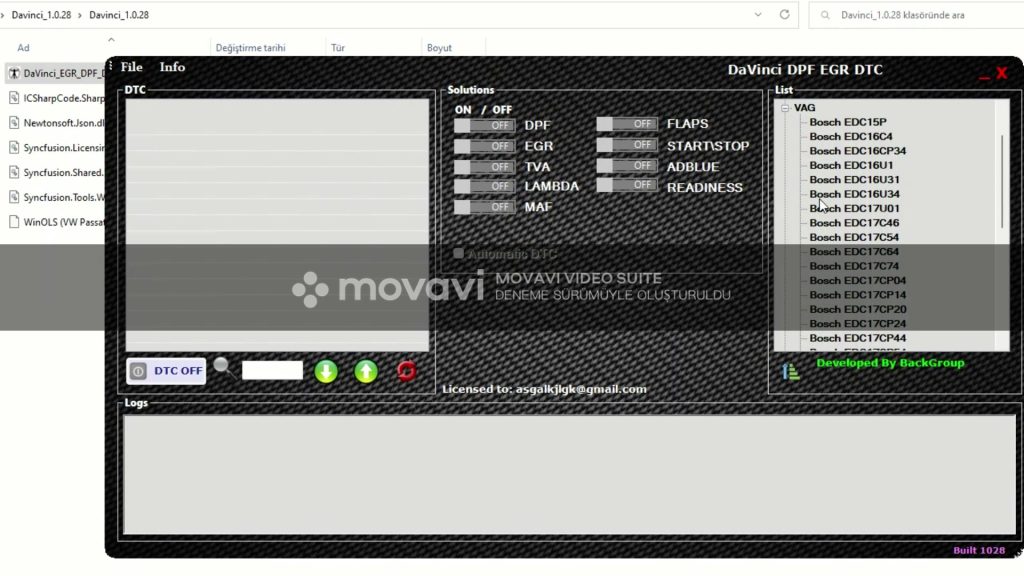
Error: No Virtual IMG Created
Cause: Running DaVinci inside VMware or VirtualBox.
Fix: DaVinci reads CPU ID, HDD serial و المعدات name لـ license validation. Virtual المعدات use fake hardware IDs that are blocked. Install و run على physical Windows PC only.
Error: Get CpuId fail or HardDiskId fail
Cause: DaVinci cannot read hardware identifiers — common in virtual environments or مع certain BIOS configurations.
Fix: Run على physical المعدات. Run as Administrator. Check BIOS settings that may mask hardware serial numbers.
Error: Connection Problems, Please Contact the Admin
Cause: License validation server is unreachable, or the software ليس activated لـ this hardware.
Fix: Check internet connection. Add DaVinci_EGR_DPF_DTC.exe إلى firewall و antivirus exclusions.
Software Does Not Open or Crashes on Launch
Cause: Missing .NET Framework 4.7.2.
Fix: Install .NET Framework 4.7.2 من Microsoft. Restart Windows. Run DaVinci as Administrator.
ECU Variant Not Detected or Wrong ECU Selected
Cause: .bin file read incorrectly, corrupted read, or ECU not in supported list.
Fix: Verify ECU part number on the ECU housing. Re-read using correct protocol on your KTag/Kess/KT200. Check the supported ECU list.
Antivirus Deletes or Blocks the EXE
Cause: Windows Defender or third-party AV flags tuning tools as suspicious due إلى low-level hardware access.
Fix: Add the DaVinci folder إلى antivirus exclusions قبل extracting the RAR archive.
DPF or EGR Still Active After Writing Back
Cause: Incomplete write, wrong file flashed, or write verification not performed.
Fix: Perform a read-back بعد writing و compare checksums. Ensure you flashed the modified file و not the الأصلي backup. Clear رموز الأعطال بعد writing.