
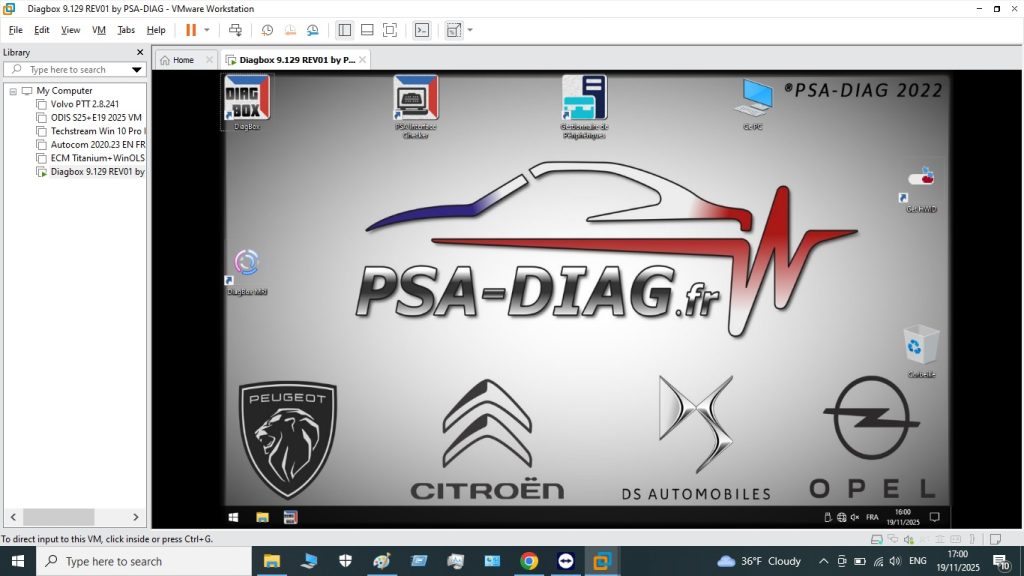
Before downloading or purchasing Diagbox 9.129, you need إلى make sure your PC meets the requirements. The VMware version removes the Windows compatibility headache, but you still need sufficient hardware إلى run the virtual المعدات smoothly alongside your host OS.
Minimum System المتطلبات
- OS: Windows 10 or Windows 11 (64-bit) on the host المعدات
- RAM: 8 GB total (4 GB allocated إلى the VM, 4 GB لـ the host)
- CPU: Intel Core i5 (4th gen or newer) or AMD Ryzen 5 equivalent — virtualization يجب أن يكون enabled in BIOS (VT-x / AMD-V)
- Storage: 40 GB free disk space لـ the VM image (SSD strongly recommended)
- USB: At least 1 USB 2.0 or 3.0 port لـ the Lexia 3 / VCI interface
- Software: VMware Workstation Player 17 (free)
Recommended System المتطلبات
- RAM: 16 GB total (8 GB allocated إلى the VM)
- CPU: Intel Core i7 or Ryzen 7 (6 cores or more)
- Storage: SSD مع at least 60 GB free — VM launch time is 3–4x faster on SSD vs HDD
- Display: 1920×1080 minimum لـ Diagbox’s interface إلى display correctly
VMware Configuration Settings
The pre-configured VM image ships مع optimal settings, but if you need إلى adjust:
- RAM allocation: 4 GB minimum, 6–8 GB لـ best performance
- CPU cores: Allocate 2 cores minimum (4 preferred)
- USB Controller: Must be set إلى USB 2.0 compatibility mode لـ Lexia 3 recognition
- Network: NAT or Host-Only — no internet connection required لـ diagnostics
- Display: 3D acceleration off (causes instability in Diagbox)
Compatible VCI Interfaces
Diagbox 9.129 is compatible مع ما يلي Vehicle Communication Interfaces:
| Interface | Connection | التوافق | Notes |
|---|---|---|---|
| Lexia 3 PP2000 | USB | All PSA المركبات | Most common, works مع all Diagbox versions |
| Diagbox DiagPlug | USB/WiFi | CAN-bus المركبات | Newer interface لـ post-2012 models |
| Proxia | USB | All PSA المركبات | Dealer-grade hardware, highest reliability |
| J2534 PassThru | USB/OBD2 | CAN protocol only | Generic J2534 adapter, limited older المركبات coverage |
Enabling Virtualization in BIOS
VMware يتطلب hardware virtualization يدعم (VT-x on Intel, AMD-V on AMD). Most modern PCs have this enabled by default, but if VMware shows an error حول virtualization, enter your BIOS/UEFI settings و enable “Intel Virtualization Technology” or “SVM Mode” under the CPU/Advanced settings menu.
See the full VMware setup guide لـ step-by-step التركيب instructions, or return إلى the Diagbox 9.129 كامل guide.