
The Volvo Tech Tool is a comprehensive diagnostic و البرمجة platform designed لـ Volvo trucks. This tutorial walks you عبر Engine Control Unit (ECU) البرمجة على Volvo FM 370, covering software التركيب, data reading, fault diagnostics, و المعلمات adjustments إلى ensure optimal المحركات performance.
What You Will Learn
- كيفية install or reprogram the وحدة تحكم المحرك (ECU) using Volvo Tech Tool
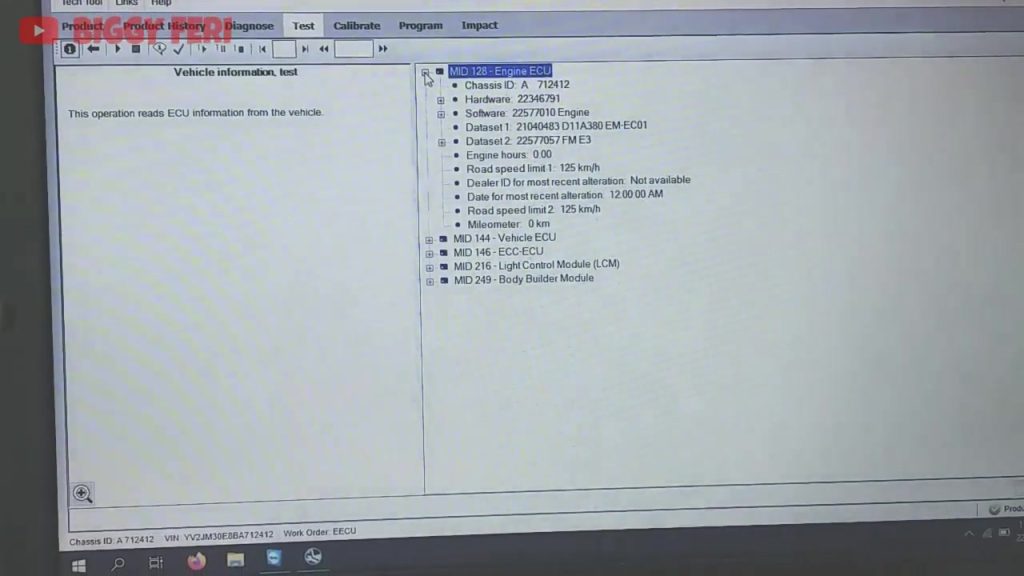
- Reading و interpreting وحدة التحكم data و المركبات information
- Performing fault diagnostics و clearing رموز الأخطاء
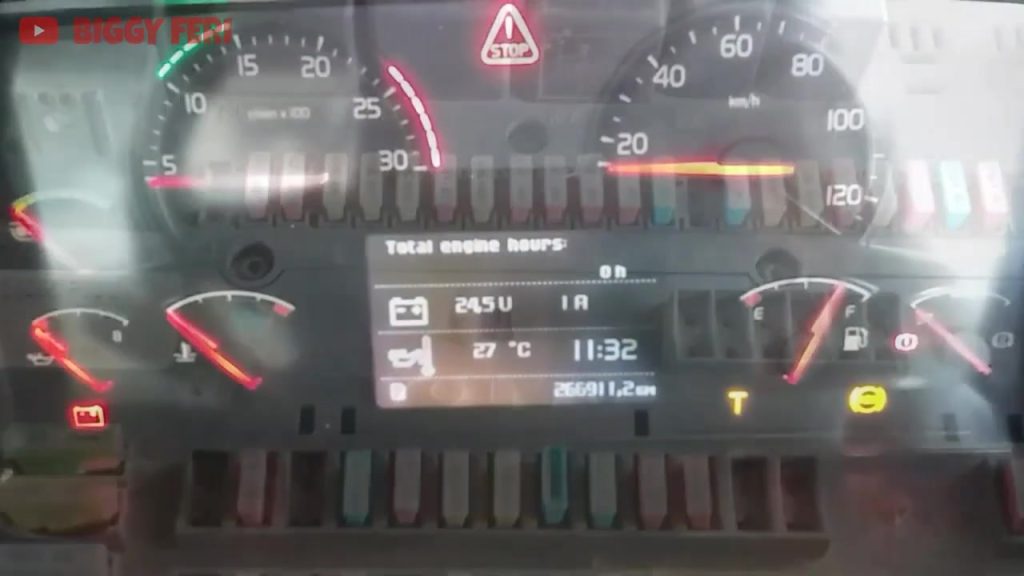
- Programming key المعلمات مثل total المحركات hours و odometer
- Resolving common communication errors (SAE J1939, MID 128, MID 140)
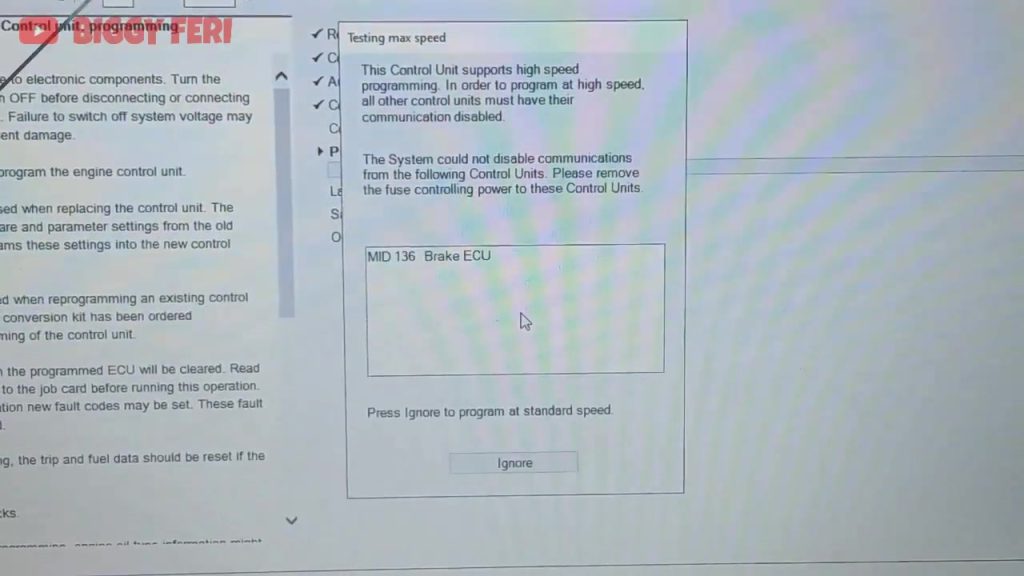
- Enabling high‑speed البرمجة عند communication disabling fails
- Procedures لـ fuel الأنظمة bleeding بعد ECU replacement
الخطوة-by-الخطوة Walkthrough
Start by launching Volvo Tech Tool على laptop that is logged in online – the ‘Online’ symbol confirms full functionality. Connect the VCI (Vehicle Communication Interface) إلى the truck’s OBD‑II port و power up the المركبات. Once the interface is recognized, select Vehicle → Volvo → FM Series → FM 370 و choose the Engine Control Module (ECM) من the list of control units.
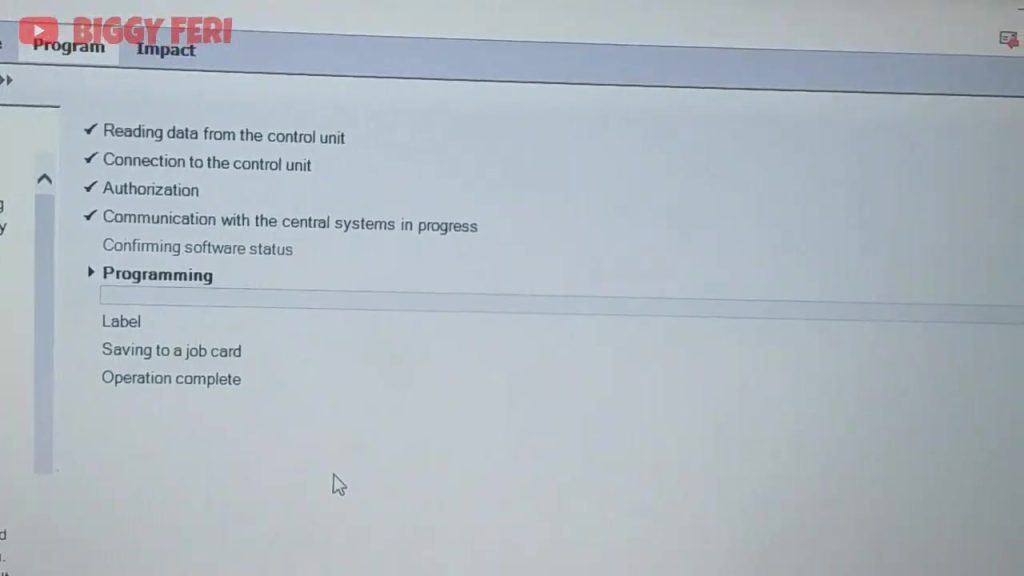
In the ECM screen, click Software Installation/Reprogramming. The tool will display the current software version; click Read Current Version إلى verify it matches the service bulletin. If an update مطلوب, click Browse و locate the latest .bin file supplied by Volvo. Before initiating the transfer, ensure the “Total Engine Hours” و “Odometer” fields are populated; if they appear blank, the ECU replacement has likely corrupted the data link.
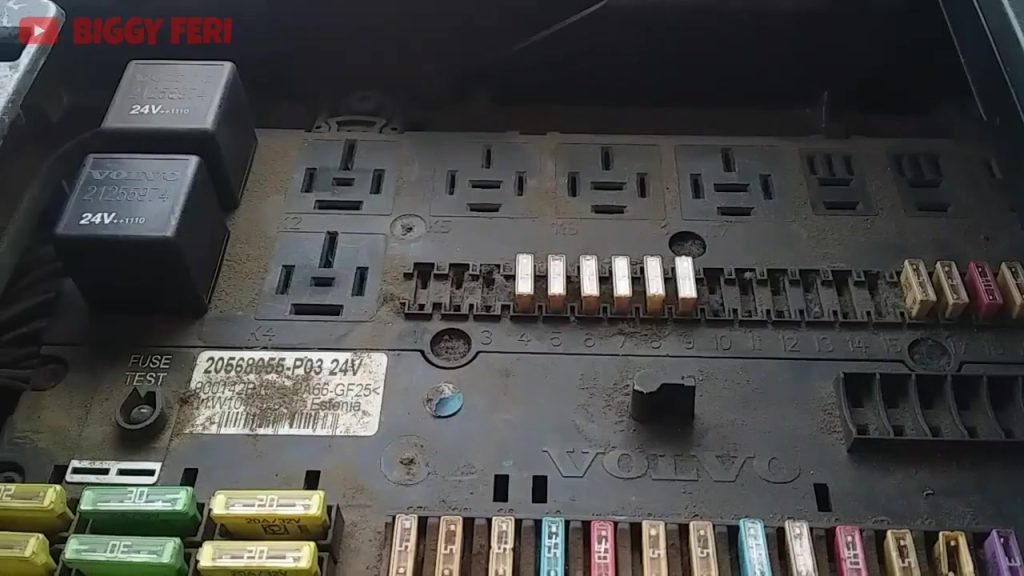
Press Start Transfer. During the transfer you may encounter the error “Operation failed أثناء data transfer لـ Engine System و Vehicle System.” This is often caused by a communication lock on the Brake ECU (MID 136). To bypass it, remove fuse #48 (ABS/EBS) من the instrument panel fuse box, then restart the transfer. The tool will now proceed بدون interruption.
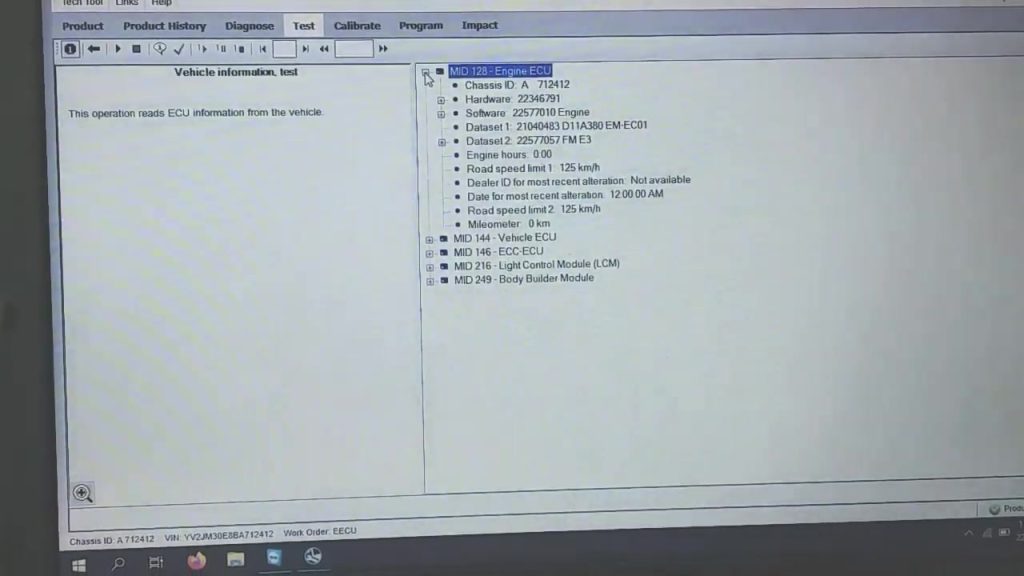
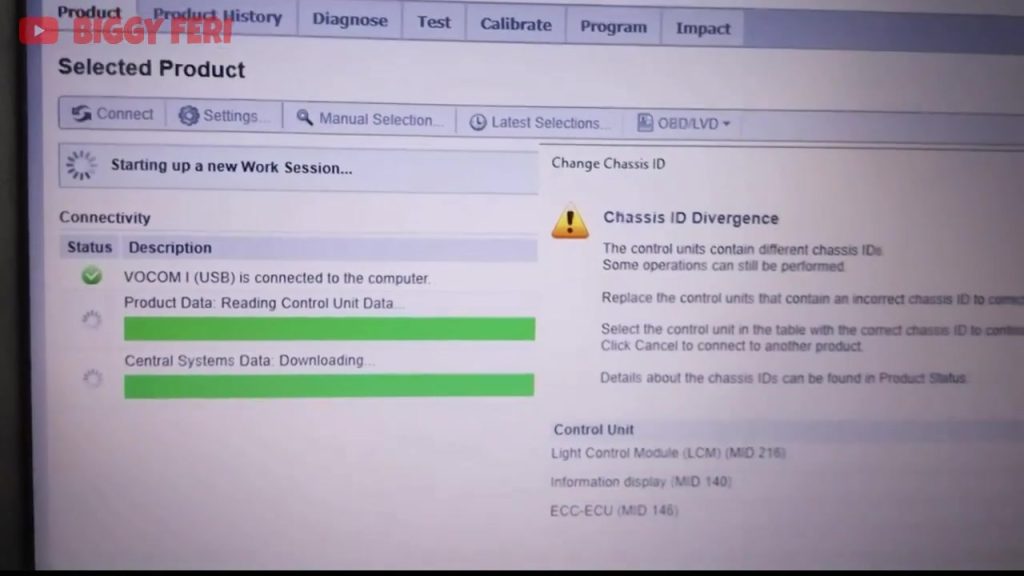
After the software is successfully flashed, the الأنظمة will prompt you إلى read back the updated المعلمات. Verify that total المحركات hours, odometer, و chassis ID are now visible. If the chassis ID still shows divergence on MID 140, disconnect fuse #5 (instrument panel fuse) لـ 30 seconds, re‑install it, و repeat the read operation. The divergence error should clear.
Next, navigate إلى Diagnostics → Read Fault Codes. The tool will list any active or stored codes across all الأنظمة, including the Brake System (SAE J1939) و Info Display System (MID 128). Use the Clear function إلى erase codes بعد confirming repairs. For the Brake System communication error, ensure the J1939 network is intact; a loose connector can trigger the error message.
Proceed إلى Parameter Programming إلى adjust المحركات-specific settings مثل fuel injection timing or idle speed. Input the required values as per the service manual, then click Write Parameters. The tool will confirm successful البرمجة لـ each المعلمات.
Finally, attempt إلى start the المحركات. If the المحركات cranks but لا fire, the most common cause بعد a long inactivity period is air trapped in the fuel الأنظمة. Perform a fuel bleed by loosening the fuel pump priming valve, cranking the المحركات لـ 10 seconds, و tightening the valve once fuel flows steadily. After bleeding, restart the المحركات – it should now run smoothly.
To كامل the session, disconnect the VCI, re‑install all removed fuses (fuse #5 و fuse #48), و log out of Volvo Tech Tool. The الأنظمة will generate a service report summarizing the actions taken, which يمكن أن يكون saved or printed لـ record‑keeping.
الميزات الرئيسية of Volvo Tech Tool
- Full‑range ECU software التركيب و reprogramming
- Live data streaming و المعلمات monitoring across all المركبات networks
- Comprehensive رموز الأعطال reading, analysis, و clearing لـ J1939, CAN, و proprietary protocols
- High‑speed البرمجة mode مع optional communication disabling
- Integrated fuel الأنظمة bleed guidance و post‑البرمجة verification
- Automatic generation of detailed service reports و electronic signatures
Compatible Vehicles و ECUs
Volvo Tech Tool يدعم the entire Volvo truck lineup, including FM, FH, FMX, و FL series. Specific ECUs covered in this tutorial are the Engine Control Module (ECM), Brake Control Unit (BCU – MID 136), Information Display System (MID 140), و Vehicle System Interface (MID 128). The tool also communicates مع transmission control units, HVAC modules, و telematics devices عند required.
Pro Tips
- Always log in إلى Volvo Tech Tool online; offline mode disables critical functions like high‑speed البرمجة.
- Remove fuse #5 (instrument panel fuse) إلى clear “Chassis ID Divergence” errors on MID 140 قبل attempting a read or write operation.
- If the tool cannot disable communications لـ high‑speed البرمجة, temporarily remove fuse #48 (ABS/EBS) إلى force the ECU في البرمجة mode.
- After ECU replacement و software التركيب, bleed the fuel الأنظمة if the المحركات لا start, especially بعد prolonged storage.
- Save a backup of the الأصلي ECU software version قبل flashing; this يتيح a quick rollback if unexpected behavior occurs.
This guide equips الفنيين مع the exact procedures و استكشاف الأخطاء وإصلاحها steps needed إلى program Volvo FM 370 ECUs efficiently, reducing downtime و ensuring reliable المحركات operation.
الأسئلة الشائعة
Why are المحركات hours و odometer not readable بعد replacing the المحركات ECU?
This indicates that the new ECU has not yet been programmed مع the المركبات’s software.
What does ‘Chassis ID Divergence’ mean in Tech Tool?
It means there’s a mismatch in Chassis IDs بين control units, often seen مع the instrument panel (MID 140) بعد an ECU replacement.
كيفية fix ‘Chassis ID Divergence’ لـ the instrument panel?
Temporarily remove the instrument panel fuse (fuse #5) إلى prevent it من communicating أثناء البرمجة.
Why can’t I perform high-speed البرمجة on the المحركات ECU?
Other control units might be interfering. Remove their power supply fuses (e.g., ABS/EBS fuse #48) إلى disable their communication.
The المحركات won’t start بعد ECU replacement و software التركيب. What should I do?
If the المركبات has been unused لـ a long time, perform bleeding on the fuel الأنظمة إلى remove air.
Ready إلى use Volvo Tech Tool in your ورش العمل? Download it directly من mecaprograms.ma — instant delivery, no subscription needed.