
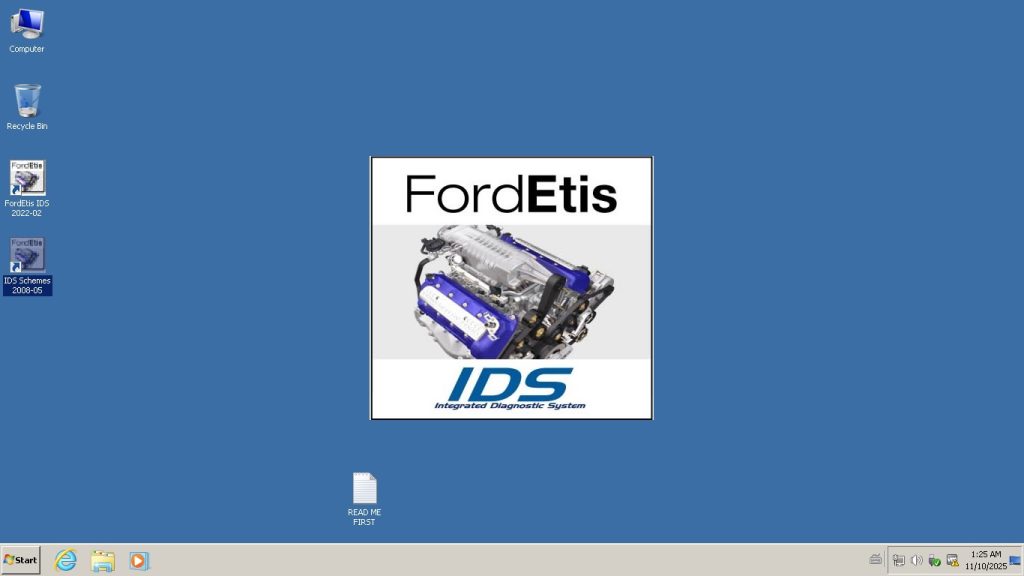
إذا كنت have never used Ford ETIS IDS قبل, هذا الدليل will walk you عبر your very first diagnostic session من connecting the interface إلى reading codes و understanding the results.
What You Need Before Starting
- A PC running Windows 10/11 مع VMware installed و Ford ETIS IDS loaded
- A J2534 interface adapter or Ford VCM II
- A Ford, Lincoln, or Mercury المركبات مع OBD2 port (1996 or newer)
- The المركبات ignition key
الخطوة 1: Connect إلى the Vehicle
- Plug your J2534 or VCM II adapter في the المركبات’s OBD2 port (under dashboard, driver side)
- Connect the adapter إلى your laptop via USB
- Turn the المركبات ignition إلى “ON” (المحركات لا need إلى be running لـ most diagnostics)
- In VMware, pass the USB adapter إلى the virtual المعدات (Player → Removable Devices)
- Open Ford IDS on the desktop inside the VM
الخطوة 2: Create a New Vehicle Session
- Click “New Session” in Ford IDS
- Select your المركبات by VIN (IDS can read VIN automatically) or enter year/make/model manually
- IDS will identify all installed modules in the المركبات
- Select “Self Test” إلى scan all modules لـ رموز الأعطال
الخطوة 3: Read و Understand Fault Codes
After the Self Test completes, IDS displays all stored و pending DTCs across all modules. For each code, you can:
- View the code description و affected الأنظمة
- Access the Pinpoint Test (PPT) — a guided diagnostic flowchart specific إلى that fault
- View related wiring diagrams من ETIS
- Check if a TSB applies إلى that code
- Clear the code بعد repairs
الخطوة 4: View Live Data
Live data lets you monitor sensor values in real time while the المحركات runs. Key المعلمات إلى monitor يتضمن المحركات RPM, coolant temperature, MAF sensor reading, fuel trims (short-term و long-term), O2 sensor voltage, و throttle position.
الخطوة 5: Run Functional Tests
Ford IDS يتيح you إلى command individual المكونات إلى activate لـ testing:
- Fuel injectors — activate each injector إلى test لـ dead cylinders
- EGR valve — open/close إلى test operation
- ABS solenoids — activate each solenoid valve
- Cooling fans — command on/off إلى test relay و motor
- EVAP purge valve — cycle إلى test EVAP الأنظمة