
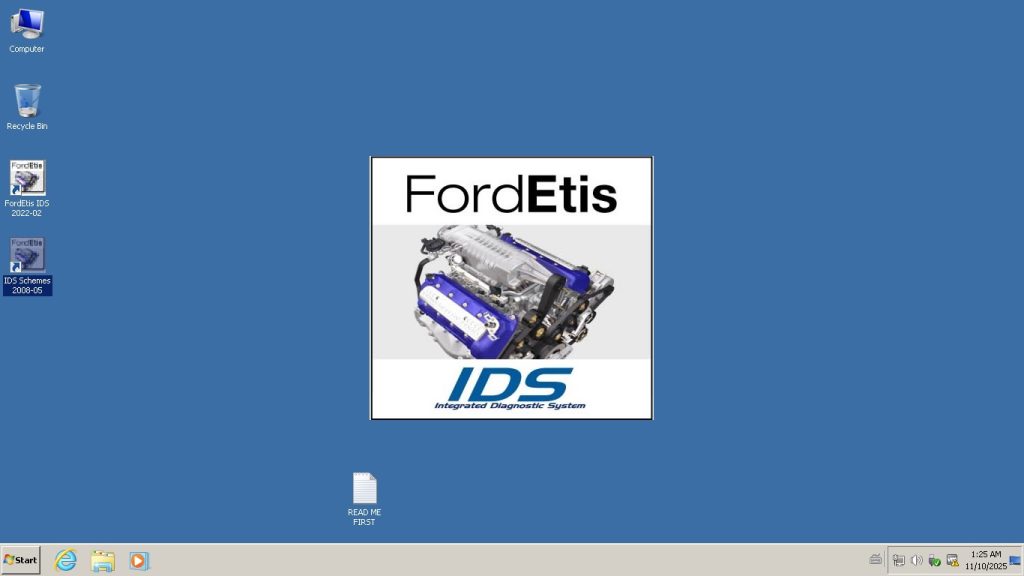
Before installing Ford ETIS IDS, confirm your computer meets the minimum requirements. The VMware offline version has slightly different requirements than the native online التركيب.
Host PC المتطلبات (VMware Version)
- Operating System: Windows 10 (64-bit) or Windows 11 (64-bit)
- Processor: Intel Core i5 (6th gen or newer) or AMD Ryzen 5 equivalent — virtualization يجب أن يكون enabled in BIOS (Intel VT-x or AMD-V)
- RAM: 8GB minimum; 16GB recommended لـ smooth operation
- Storage: 60–100GB free disk space (SSD strongly recommended)
- Display: 1280×768 minimum resolution
- USB: USB 2.0 or 3.0 port لـ interface adapter
Required Software
- VMware Workstation Player 17+ (free download من vmware.com)
- No additional software needed — Ford ETIS IDS is pre-installed in the virtual المعدات
Interface Adapter التوافق
Ford ETIS IDS يتطلب a J2534 compatible interface adapter or the الرسمي Ford VCM II. The J2534 standard مطلوب لـ module البرمجة.
- Ford VCM II — الرسمي Ford interface, best compatibility, required لـ advanced البرمجة on newer models
- Drew Technologies Mongoose Pro Ford — J2534 adapter, works لـ most Ford diagnostics و البرمجة
- Tactrix OpenPort 2.0 — works لـ older Ford models (pre-2015)
- Generic J2534 adapters — suitable لـ رموز الأعطال reading و basic diagnostics; not recommended لـ full module البرمجة
BIOS Virtualization Settings
Virtualization يجب أن يكون enabled in BIOS لـ VMware إلى run. On Intel الأنظمة, enable Intel VT-x; on AMD, enable AMD-V or AMD SVM. This setting is usually found under CPU Configuration or Advanced settings in your motherboard BIOS.
Performance Tips
- Run VMware من an SSD — significantly improves load times
- Allocate at least 4GB RAM إلى the virtual المعدات in VMware settings
- Disable Windows Defender real-time scanning لـ the VMware folder
- Keep the VMware image على drive مع at least 20% free space