
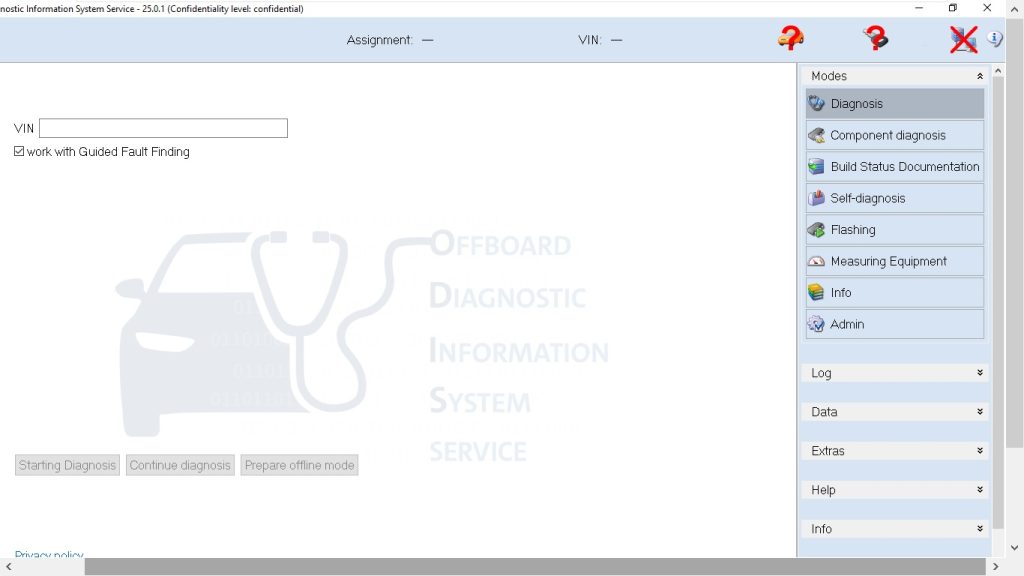
VMware Version المتطلبات (Recommended)
- Host OS: Windows 10 or Windows 11 (64-bit)
- RAM: 8GB minimum (16GB recommended — ODIS is memory-intensive)
- Storage: 80–120GB free disk space, SSD strongly recommended لـ acceptable load times
- CPU: Intel Core i5 (6th gen or newer) or AMD Ryzen 5 — virtualization يجب أن يكون enabled in BIOS (VT-x or AMD-V)
- VMware: VMware Workstation Player 17+ (free)
- USB: USB 2.0 or 3.0 لـ VAS interface connection
Interface Adapters لـ ODIS
ODIS يتطلب a VAS (Vehicle Analysis System) compatible interface. The main options:
- VAS 5054A — the classic VAG interface, USB or Bluetooth. Most compatible مع ODIS Service لـ older و current VAG المركبات. Widely available, reliable لـ most ODIS functions including GFF و flashing on المركبات up إلى approximately 2018.
- VAS 6154 — the newer WiFi-capable VAG interface. Required لـ some functions on newer VAG المركبات (2018+) that use UDS over DoIP protocol. Better لـ 2019+ VW MQB-B, MEB electric المركبات.
- ODIS-compatible J2534 adapters — some J2534 PassThru adapters work مع ODIS لـ basic diagnostics but may not يدعم all flashing و GFF functions.
BIOS Virtualization Setup
Before VMware can run, CPU virtualization يجب أن يكون enabled in BIOS. On Intel: enable Intel VT-x. On AMD: enable AMD-V or SVM Mode. Both are usually found in the CPU or Advanced section of your BIOS settings.
Performance Optimization Tips
- Always run the VM من an SSD — ODIS loads slowly من HDD
- Allocate 6GB RAM إلى the VM in VMware settings
- Allocate 4 CPU cores if your host has 8+ cores
- Disable Windows Defender scanning of the VMware folder
- Keep at least 20% free space on the drive where the VM is stored