
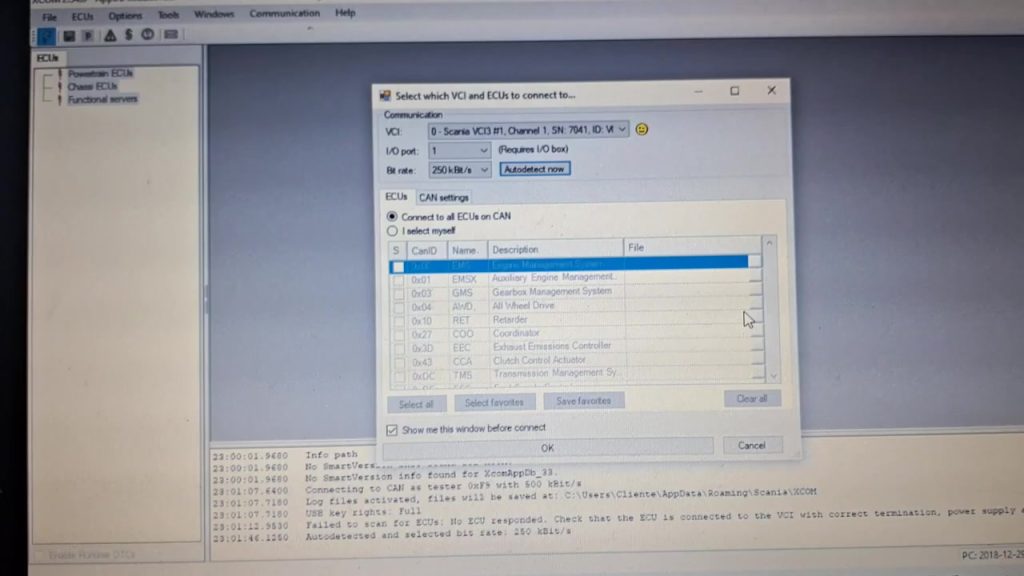
The SCANIA XCOM 2.54.0 AppDb 33.22010.3 حزمة التشخيص gives الفنيين deep access إلى المحركات control units, allowing precise التهيئة changes و fault clearing. This tutorial shows how إلى remove the power‑reduction mode على Scania R440 that has a burnt AdBlue pump, using XCOM إلى edit emission‑related المعلمات و reset the ECU.
What You Will Learn
- كيفية connect XCOM إلى the R440 ECU و verify the correct المركبات identification.
- كيفية read key التهيئة المعلمات related إلى the AdBlue الأنظمة.
- كيفية program the Euro‑3 emission level و disable SCR heating.
- كيفية turn off the NOx‑control torque reduction flag that triggers power loss.
- كيفية perform a proper ECU reset بعد المعلمات changes.
- كيفية confirm that the yellow dashboard warning stays off بعد the modification.
- Best‑practice safety steps قبل removing or disabling the AdBlue pump.
الخطوة-by-الخطوة Walkthrough
1. Launch SCANIA XCOM 2.54.0 و select the ECU Connection tab. Choose the correct COM port (usually COM3 لـ the Scania diagnostic cable) و click Connect. XCOM will display the ECU model و firmware version, confirming a successful link.
2. Once connected, navigate إلى Vehicle Identification. Verify that the displayed VIN matches the R440 chassis و that the software version is listed as Euro‑5 (the tool will يتيح you إلى downgrade إلى Euro‑3 لـ this procedure). Click Read إلى pull the current التهيئة set.
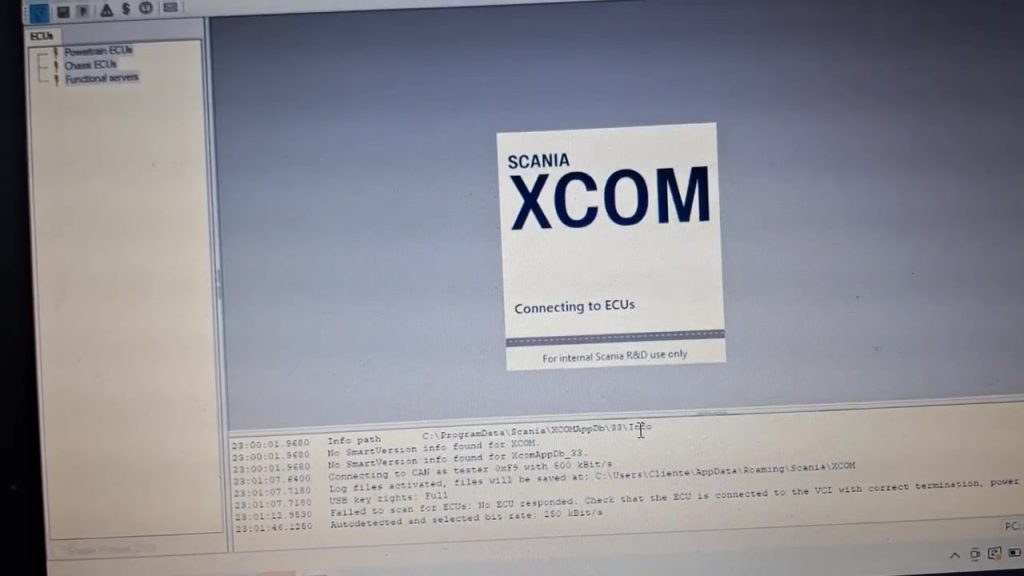
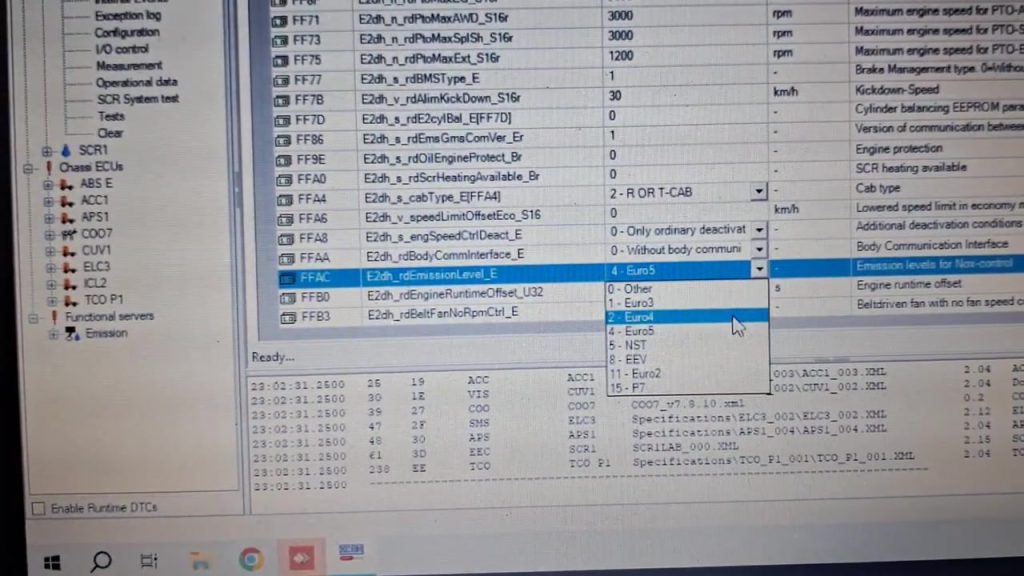
3. Open the Parameter List و locate the three المعلمات that control the AdBlue الأنظمة:
FFAC E2dh_rdEmissionLevel_EFFA0 E2dh_s_rdScrHeatingAvailable_BrFF60 E2dh_s_rdNoxControlTorqueRed_B
Use the filter box إلى type each code و press Enter. The current values will appear in the right‑hand column.
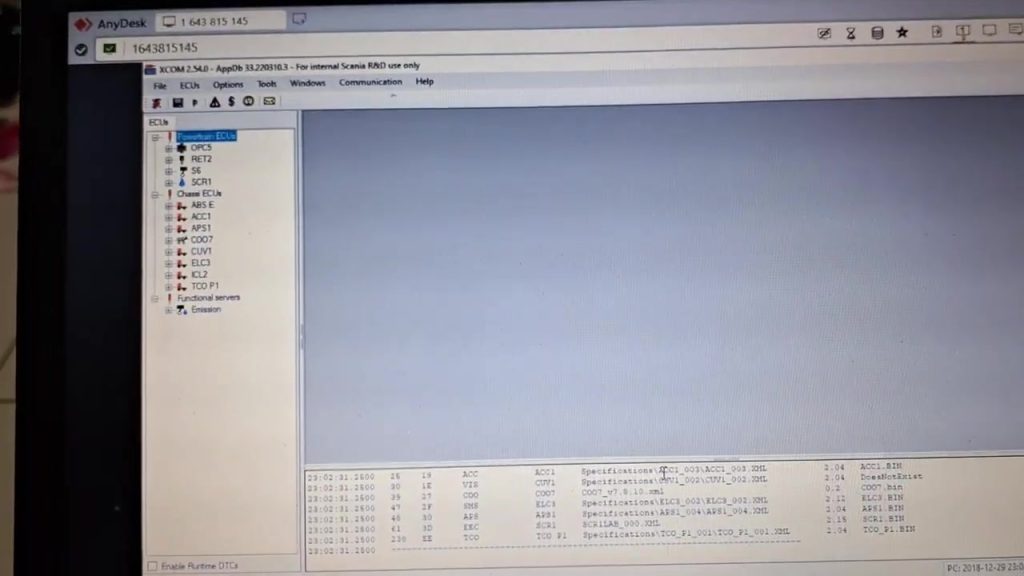
4. To fully disable the AdBlue الأنظمة (recommended عند the pump is removed), change the emission level إلى Euro‑3 by selecting FFAC E2dh_rdEmissionLevel_E و choosing “1‑Euro3” من the dropdown. Then set FFA0 E2dh_s_rdScrHeatingAvailable_Br إلى “0” (heating unavailable) و FF60 E2dh_s_rdNoxControlTorqueRed_B إلى “0” (torque reduction disabled). Click Write بعد each change إلى store the new value in the ECU.
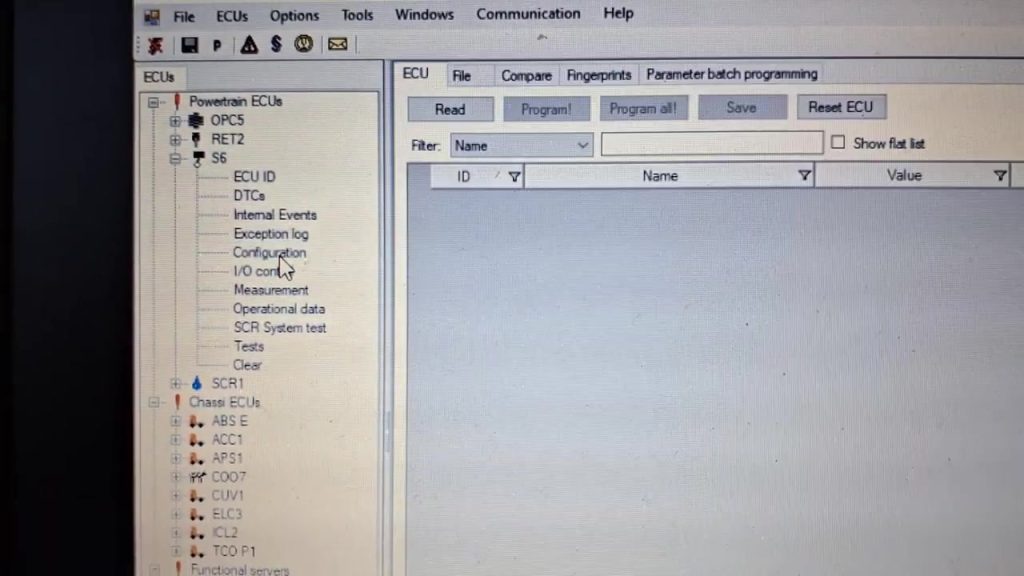
5. إذا كنت only need إلى remove the power‑reduction flag while keeping the rest of the SCR الأنظمة intact, edit only FF60 E2dh_s_rdNoxControlTorqueRed_B إلى “0” و write the change. This approach leaves the SCR heating و emission level untouched.
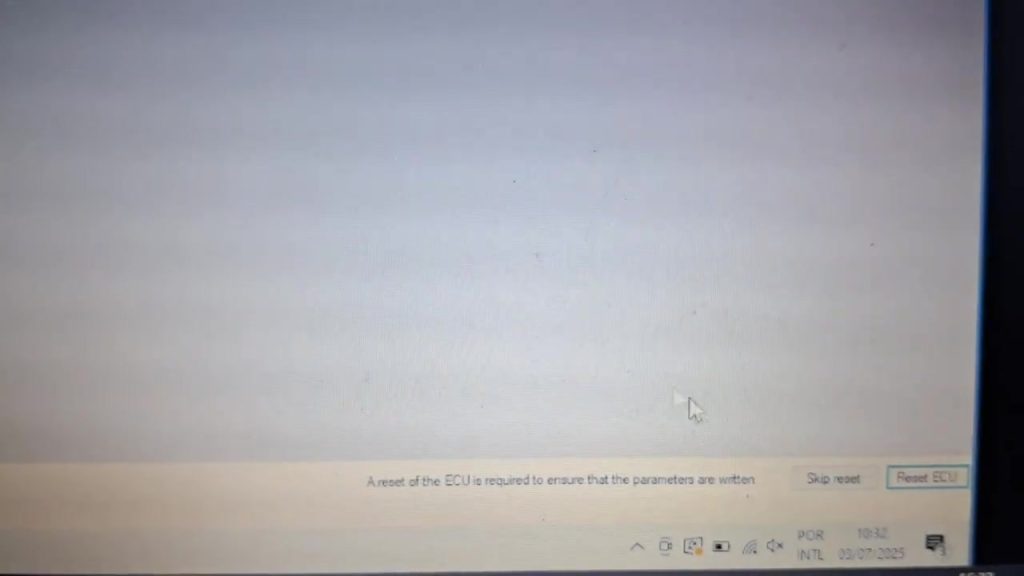
6. After all المعلمات writes are كامل, go إلى the ECU Reset screen. Select Full Reset و confirm the prompt. XCOM will cycle power إلى the وحدة التحكم, clearing volatile memory و forcing the new المعلمات إلى take effect. The reset process takes حول 30 seconds; a progress bar will indicate completion.
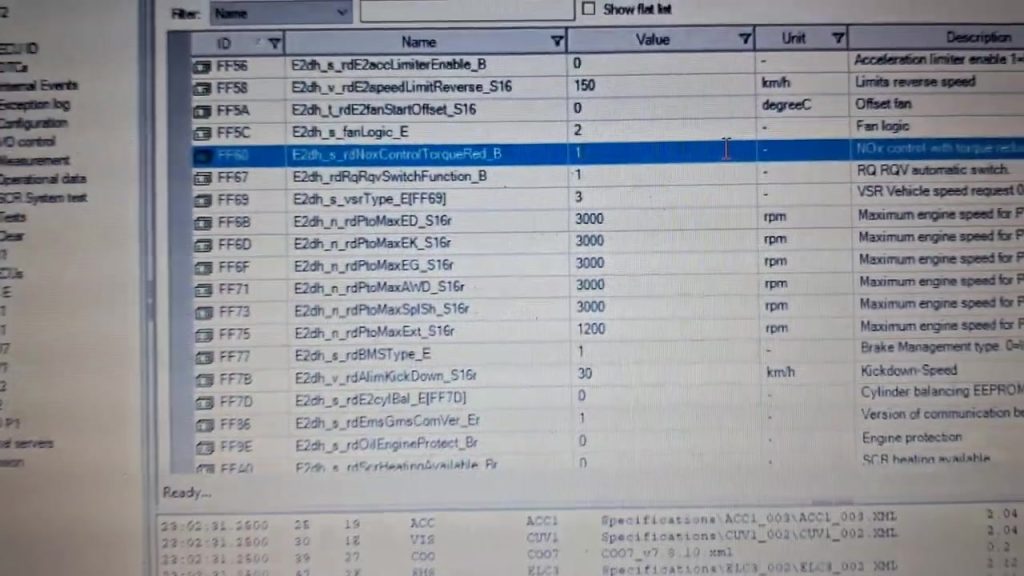
7. Re‑connect إلى the ECU و read back the three المعلمات إلى verify that the values persisted عبر the reset. The yellow AdBlue warning light should now stay off, و the المحركات will no longer limit torque under load. Perform a short road test إلى confirm that the power reduction is gone.
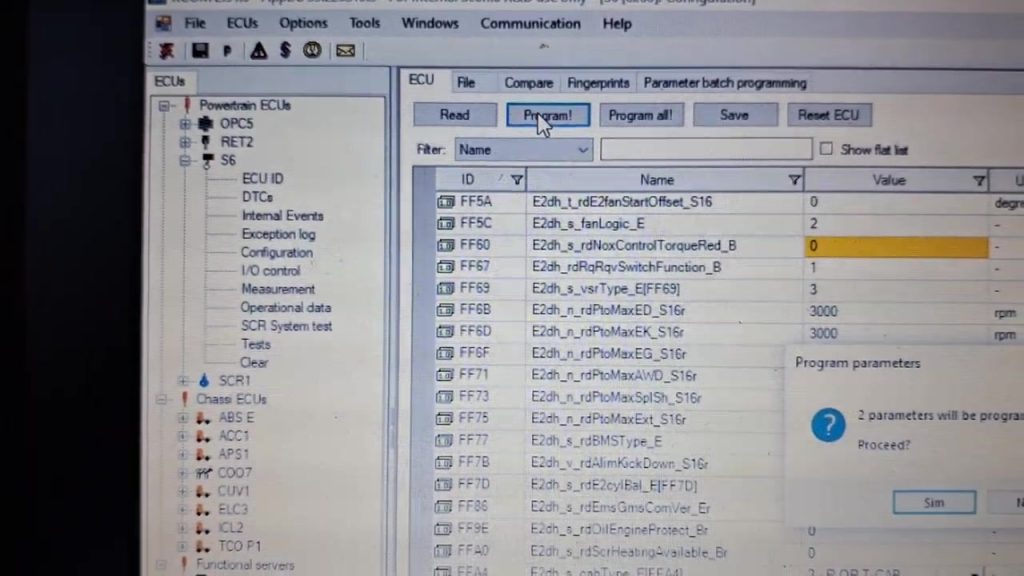
8. Finally, document the changes in the service log within XCOM. Add a note describing the burnt pump, the المعلمات modifications, و the reset timestamp. Export the log as a PDF لـ future reference.
الميزات الرئيسية of SCANIA XCOM 2.54.0 AppDb 33.22010.3
- Comprehensive ECU identification و firmware readout لـ all Scania truck models.
- Live المعلمات editing مع validation against the AppDb database إلى prevent illegal values.
- Batch write capability that reduces the time needed لـ multiple التهيئة changes.
- Integrated ECU reset functions (soft, hard, و full) إلى ensure changes are applied correctly.
- Diagnostic trouble‑code (DTC) retrieval و clear functions لـ both emission و power‑train الأنظمة.
- Exportable service reports that meet OEM documentation standards.
Compatible Vehicles و ECUs
This guide applies إلى the Scania R440 equipped مع the Euro‑5 المحركات وحدة التحكم that يمكن أن يكون re‑programmed إلى Euro‑3 emission settings via XCOM. The same المعلمات are present in other Scania models مثل the G-series و P‑series عند they share the E2dh ECU architecture, but the VIN و firmware version يجب أن يكون verified قبل proceeding.
Pro Tips
- Always back up the الأصلي المعلمات set using the Export Parameters function قبل making any changes.
- If the AdBlue pump is still physically present but non‑functional, disconnect its ضفيرة الأسلاك إلى avoid false sensor readings بعد disabling the الأنظمة.
- After a full الأنظمة disable, monitor exhaust gas temperature (EGT) أثناء the first 200 km إلى ensure the المحركات remains within safe limits.
- When only clearing the torque‑reduction flag, keep a copy of the الأصلي emission level setting in case future regulations يتطلب re‑activation.
- Use the “Diagnostic Session – Extended” mode in XCOM لـ faster data transfer عند reading large المعلمات blocks.
By mastering these XCOM procedures, الفنيين can reliably eliminate power‑loss symptoms caused by a faulty AdBlue الأنظمة, restore full المحركات performance, و keep detailed service records لـ compliance.
الأسئلة الشائعة
What happens بعد disabling the AdBlue الأنظمة?
The truck will no longer cut power, but will generate communication faults مع the pump و the yellow warning light on the dashboard will remain on.
Which المعلمات need إلى be changed إلى disable AdBlue power reduction?
`FFAC E2dh_rdEmissionLevel_E` إلى Euro3, `FFA0 E2dh_s_rdScrHeatingAvailable_Br` إلى 0, و `FF60 E2dh_s_rdNoxControlTorqueRed_B` إلى 0.
Ready إلى use SCANIA XCOM 2.54.0 AppDb 33.22010.3 in your ورش العمل? Download it directly من mecaprograms.ma — instant delivery, no subscription needed.