
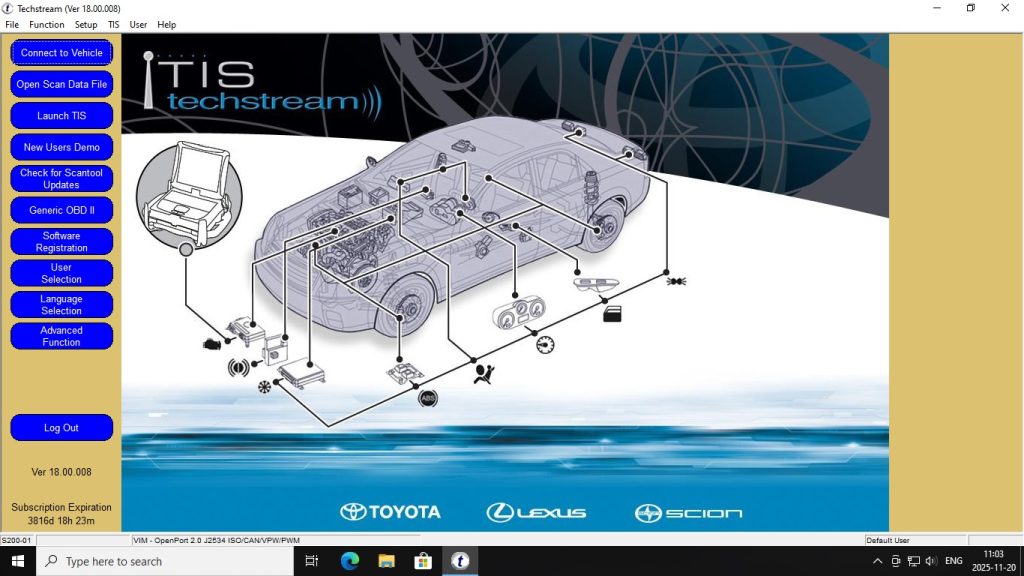
Native Installation المتطلبات
- OS: Windows 7 SP1, Windows 8.1, Windows 10 (32 or 64-bit), Windows 11 (مع compatibility mode)
- RAM: 2GB minimum, 4GB recommended
- Storage: 10GB free space
- CPU: 1GHz or faster
- Display: 1024×768 minimum
- Interface: Mini-VCI J2534 cable (FTDI chip) or MVCI J2534
VMware Version المتطلبات (Recommended)
The VMware pre-installed version of Techstream V18 runs inside a virtual المعدات, eliminating native Windows compatibility issues. Host PC requirements:
- OS: Windows 10 or Windows 11 (64-bit) on host
- RAM: 8GB total (4GB allocated إلى VM)
- Storage: 30GB free disk space لـ VM image
- CPU: Intel Core i5 or AMD Ryzen 5 مع virtualization enabled in BIOS
- VMware: VMware Workstation Player 17+ (free)
Mini-VCI Cable — Which One إلى Buy?
The interface cable is critical لـ Techstream إلى work correctly. The two most reliable options:
- Mini-VCI J2534 (FTDI chip): The gold standard. FTDI chipset clones have excellent driver يدعم, stable USB connection, و work مع all Techstream versions. Look لـ “Mini-VCI FTDI” عند purchasing.
- MVCI (Multiple Vehicle Communication Interface): Official Toyota tool, highest reliability, higher price. Used in Toyota dealerships.
- Avoid: CH340 or Prolific chipset cables — known driver conflicts مع Windows 10/11 that cause Techstream connection errors.
Windows 11 التوافق Notes
Toyota Techstream V18 native التركيب can have issues on Windows 11 due إلى driver signing enforcement. The VMware version eliminates this entirely — the virtual المعدات runs the software in an older, pre-configured Windows environment that has no compatibility issues.