
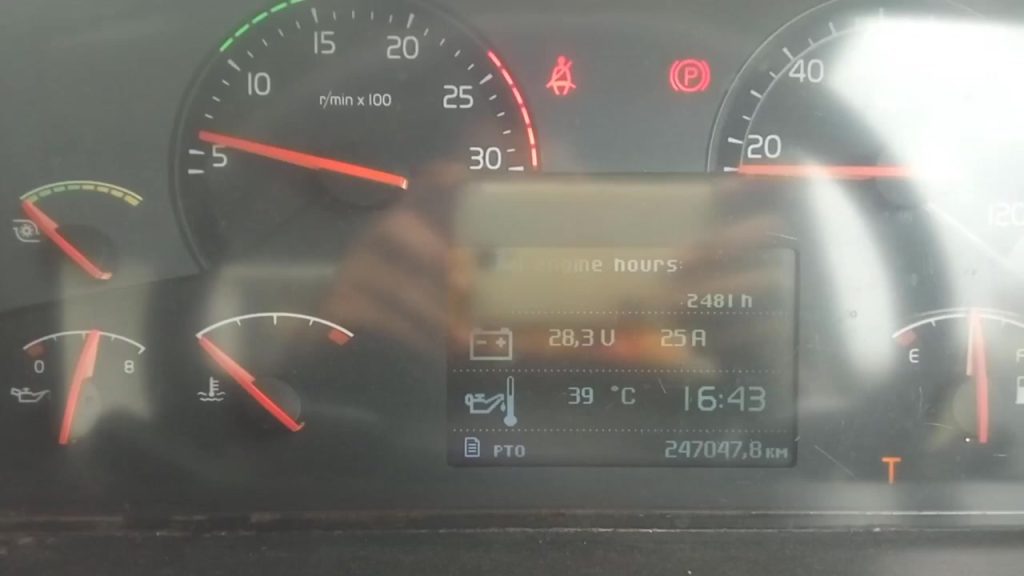
Volvo Tech Tool is the الرسمي diagnostic و البرمجة suite لـ Volvo Trucks, giving الفنيين direct access إلى المركبات المعلمات و ECU functions. This tutorial walks you عبر using Volvo Tech Tool إلى set the المحركات speed limit عند the PTO is active على Volvo FM 440, helping you prevent costly hydraulic pump damage.
What You Will Learn
- كيفية navigate إلى the المحركات وحدة التحكم (ECM) in Volvo Tech Tool.
- كيفية read the current PTO‑related المعلمات.
- كيفية modify the المحركات speed limit لـ PTO operation.
- كيفية write the new المعلمات values back إلى the ECM.
- كيفية verify the change مع a live data read.
- كيفية safely power‑cycle the المركبات بعد البرمجة.
- كيفية troubleshoot common error messages that may appear أثناء the process.
الخطوة-by-الخطوة Walkthrough
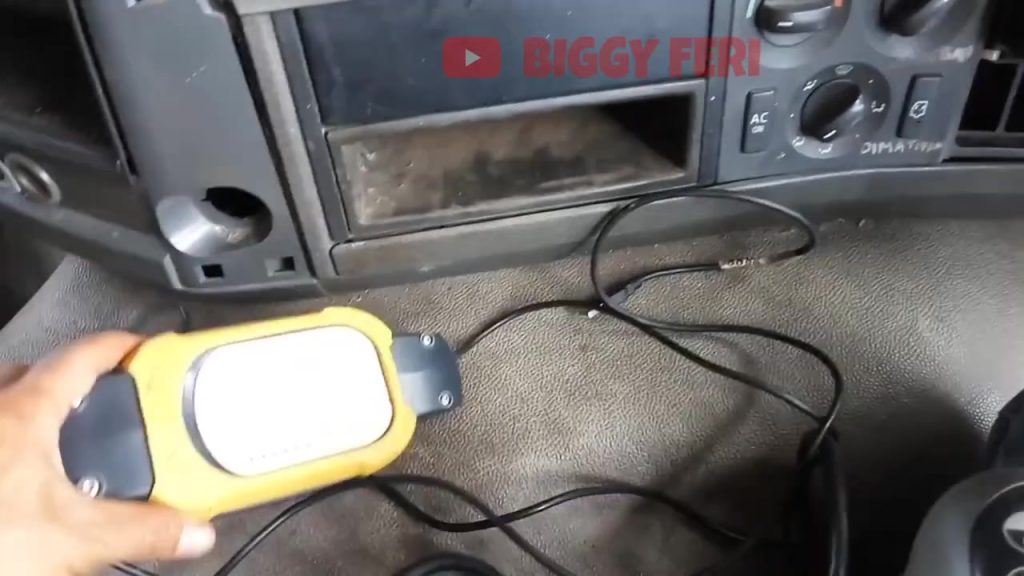
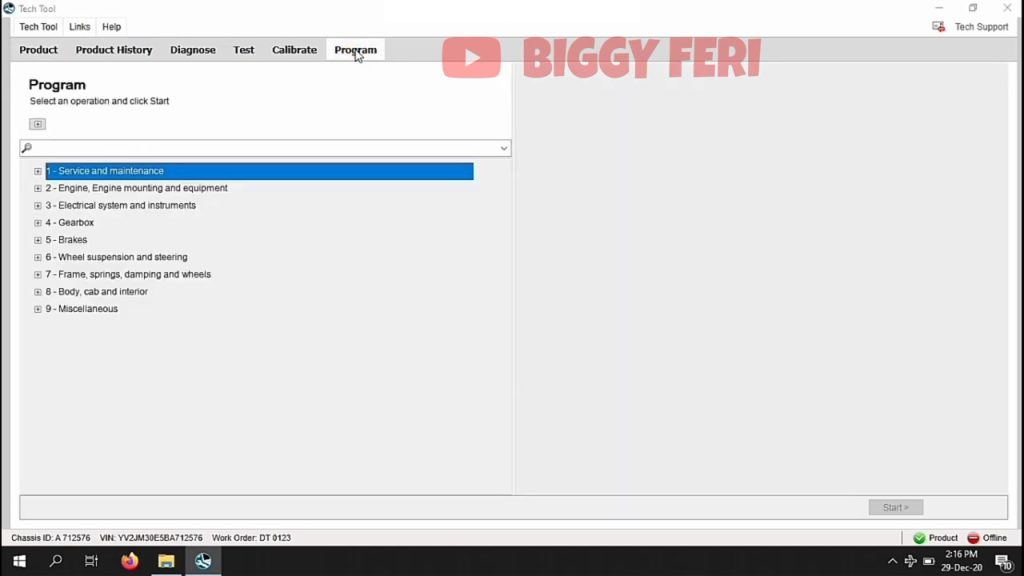
Begin by connecting the Volvo Tech Tool interface cable إلى the diagnostic port on the FM 440 chassis (ID A.712576). Launch the Volvo Tech Tool software و select the correct المركبات profile – Euro 3 FM 440 – من the drop‑down list. Once the connection is established, the main screen will display a list of available ECUs. Click on Engine Control Module (ECM) إلى open the المعلمات tree.
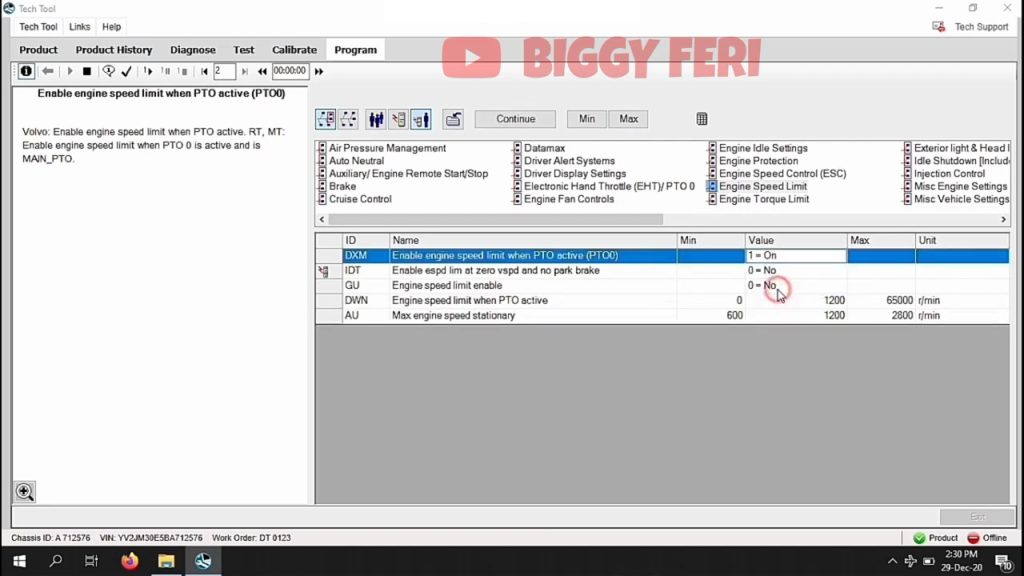
In the ECM tree, expand the Power Take‑Off (PTO) folder و locate the المعلمات named EngineSpeedLimit_PTOActive. Highlight it و press the Read button; the current value (typically 1650 rpm) will appear in the value field. Verify the reading against the service bulletin that recommends a lower limit إلى protect the hydraulic pump.
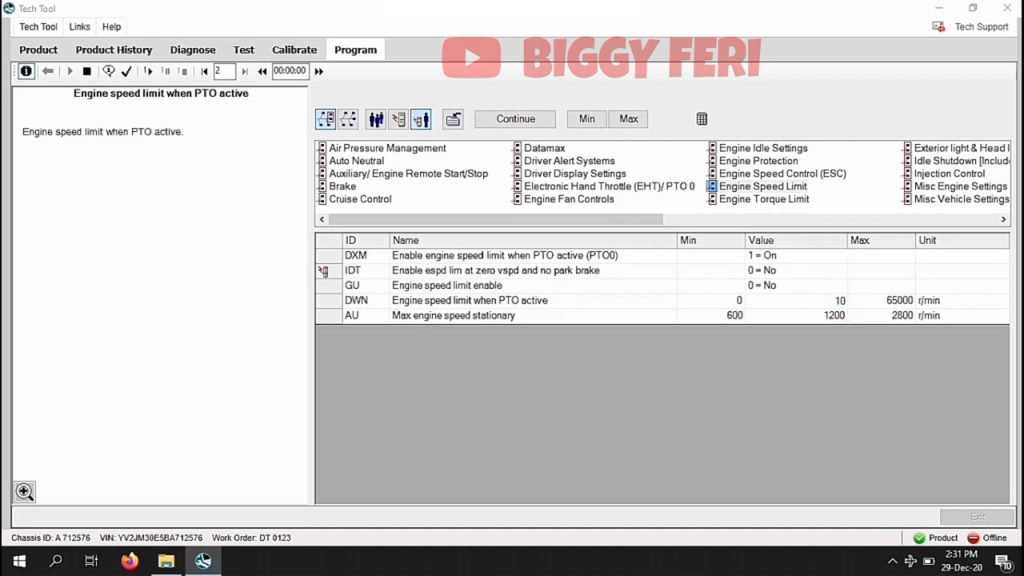
To change the limit, select the same المعلمات و click Write. A numeric keypad will appear; enter the desired maximum RPM, لـ example 1400, then confirm. The software will prompt you إلى confirm the write operation; accept it و wait لـ the “Write successful” message.
After the write completes, it is essential إلى power‑cycle the المركبات. Volvo Tech Tool will display a dialog instructing you إلى turn the ignition off, wait ten seconds, و then restart the المحركات. Follow the on‑screen prompts exactly; this ensures the new setting is stored in non‑volatile memory.
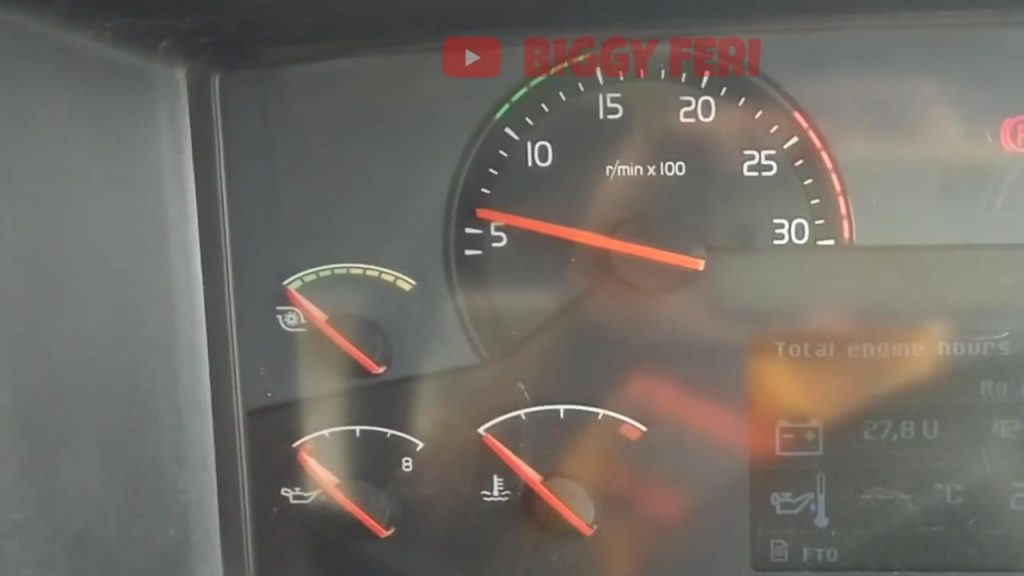
With the المحركات running, return إلى the ECM screen و select Live Data. Add the EngineSpeedLimit_PTOActive channel إلى the live view إلى confirm that the new limit is active. Spin the PTO lever و observe the المحركات speed; it should not exceed the programmed 1400 rpm.
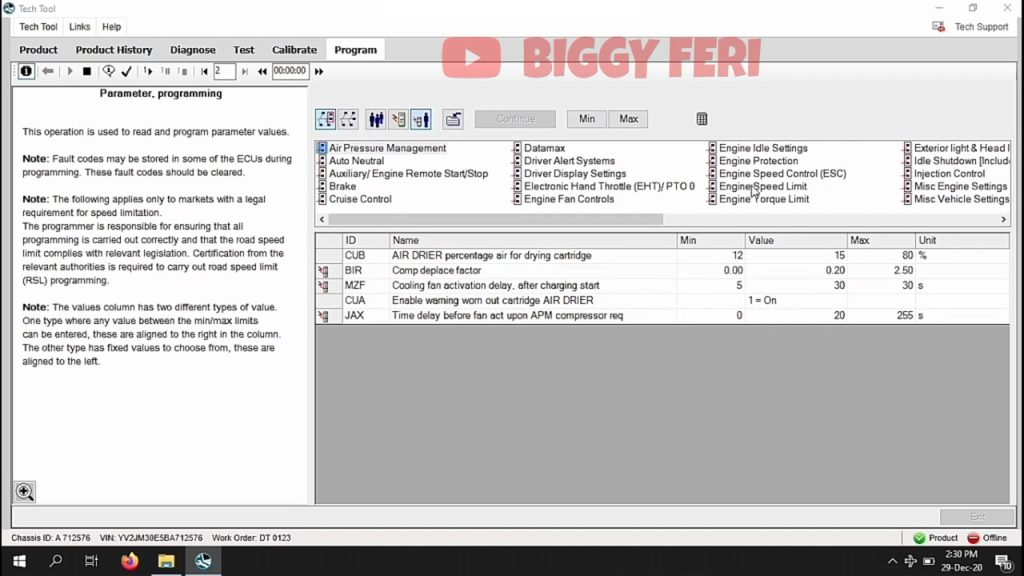
If the المحركات still reaches 1650 rpm, repeat the read/write cycle و verify that the correct ECU was selected. Occasionally, the software may display an رموز الأخطاء مثل 0xA123 – Parameter Locked. In this case, ensure the parking brake is fully applied و the المحركات is off قبل attempting the write again.
For documentation, use the Export Log function إلى save a PDF of the قبل‑و‑بعد المعلمات values. Attach this file إلى the service order إلى يوفر proof of compliance مع the OEM recommendation.
Finally, close Volvo Tech Tool, disconnect the cable, و perform a short road test. Verify that the PTO operates smoothly و that the المحركات never exceeds the newly set limit under load. Capture a final screenshot of the live data readout لـ your records.
الميزات الرئيسية of Volvo Tech Tool
- Comprehensive ECU access لـ reading, coding, و البرمجة.
- Live data streaming مع customizable channel lists.
- Built‑in error‑code library و diagnostic trouble‑code (DTC) lookup.
- Secure المعلمات locking و unlocking based on المركبات state.
- Exportable reports in PDF و CSV formats لـ service documentation.
- Multi‑المركبات database covering all Volvo Truck series و model years.
Compatible Vehicles و ECUs
This procedure applies إلى Volvo FM series trucks equipped مع Euro 3 emissions, specifically chassis ID A.712576. The primary ECU involved is the Engine Control Module (ECM), but related modules مثل the Transmission Control Module (TCM) و the Power Take‑Off Control Unit (PTO‑CU) may also be accessed لـ broader diagnostics.
Pro Tips
- Always switch off the المحركات و engage the parking brake قبل initiating any write operation إلى prevent accidental المعلمات changes.
- Use the “Read All” function بعد a write إلى confirm that no other المعلمات were unintentionally altered.
- Keep a backup of the الأصلي المعلمات set by exporting the current التهيئة قبل making changes.
- If Volvo Tech Tool reports a communication timeout, reseat the diagnostic cable و verify that the المركبات’s battery voltage is above 12 V.
- After البرمجة, perform a short idle test مع the PTO engaged إلى ensure the المحركات speed limit holds under real‑world load.
By mastering this Volvo Tech Tool workflow, الفنيين can reliably protect PTO المكونات, reduce warranty claims, و keep Volvo FM 440 trucks operating within safe المحركات speed المعلمات.
الأسئلة الشائعة
كيفية set المحركات speed limit لـ PTO على Volvo truck?
Use Volvo Tech Tool, navigate إلى Parameter Programming, enable ‘Enable المحركات speed limit عند PTO active’, و set ‘Engine speed limit عند PTO active’ إلى the desired RPM (e.g., 1000 RPM).
Ready إلى use Volvo Tech Tool in your ورش العمل? Download it directly من mecaprograms.ma — instant delivery, no subscription needed.