
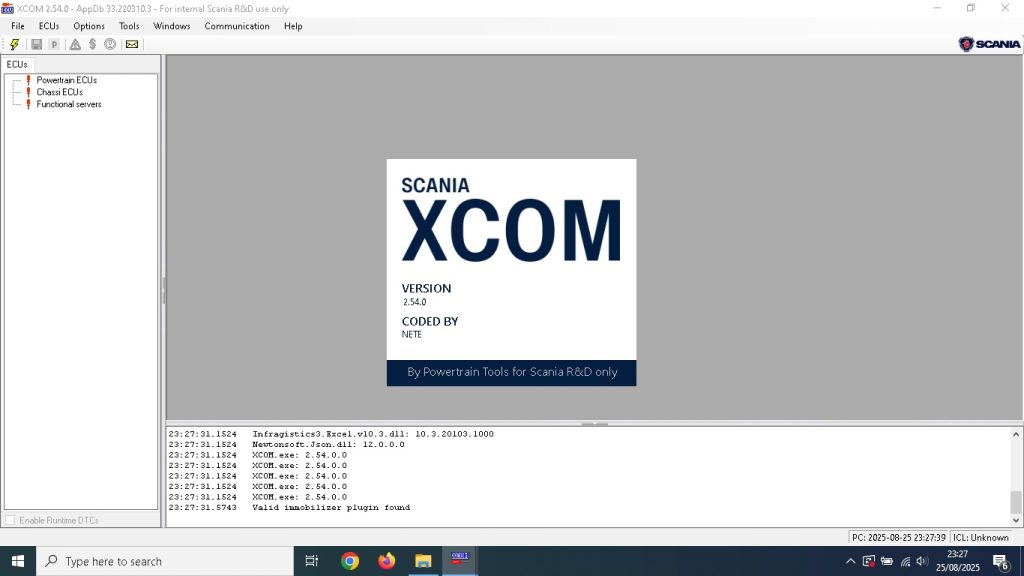
Scania XCOM 2.54 Fault Code Reference & دليل استكشاف الأخطاء وإصلاحها
When a Scania truck’s dashboard lights up مع a fault, you need more than just a code reader. Scania XCOM 2.54 working alongside a أداة التشخيص gives you the كامل picture: the رموز الأعطال, its root cause, و the المعلمات-level fix. يغطي هذا الدليل the most common Scania fault categories you’ll encounter و how إلى resolve them.
How Scania Fault Codes Work
Scania رموز الأعطال follow the SAE J1939 SPN/FMI format:
- SPN (Suspect Parameter Number): Identifies the الأنظمة or المكونات (e.g., SPN 102 = Intake Manifold Pressure)
- FMI (Failure Mode Identifier): Describes the type of fault (e.g., FMI 3 = Voltage Above Normal)
- OC (Occurrence Count): How many times the fault has triggered
Scania XCOM reads رموز الأعطال من all connected ECUs simultaneously, giving you a الأنظمة-wide view قبل you start making المعلمات changes.
Top 5 Scania Fault Categories & Solutions
1. AdBlue/SCR System Faults (EEC ECU)
Most common faults — especially بعد AdBlue delete or SCR الأنظمة issues.
| SPN:FMI | Description | Root Cause | XCOM Fix |
|---|---|---|---|
| 3226:FMI 10 | AdBlue Fluid Level — Abnormal Rate of Change | Sensor fault or tank empty بعد delete | Disable AdBlue الأنظمة in EEC المعلمات |
| 1761:FMI 18 | SCR Conversion Efficiency — Below Normal | Catalyst removed or degraded | Disable SCR efficiency monitoring via XCOM |
| 4334:FMI 3 | AdBlue Dosing Valve — Voltage Above Normal | Open circuit or valve failure | Disable dosing الأنظمة المعلمات + clear DTCs |
| 5809:FMI 7 | NOx Sensor — Mechanical Failure | Sensor removed مع delete kit | Disable NOx monitoring in EEC → Parameters |
XCOM Steps: EEC ECU → Parameters → AdBlue System = “OFF” → SCR Monitoring = “Disabled” → Clear DTCs
2. EGR System Faults (EMS ECU)
EGR valve sticking, carbon buildup, و post-delete رموز الأعطال.
| SPN:FMI | Description | Root Cause | XCOM Fix |
|---|---|---|---|
| 51:FMI 3 | Throttle Position — Voltage High | EGR valve stuck open | Disable EGR valve control + test valve |
| 51:FMI 4 | Throttle Position — Voltage Low | EGR valve stuck closed / carbon | EGR delete via XCOM + physical delete |
| 412:FMI 2 | EGR Temperature — Erratic | Sensor or cooler blockage | Disable EGR cooler bypass timer |
| 110:FMI 15 | Coolant Temp — Above Normal Range | EGR cooler leak | Check cooler; disable EGR if removed |
XCOM Steps: EMS ECU → Parameters → EGR Valve Control = “Deactivated” → EGR Cooler = “Bypassed” → Clear DTCs
3. Engine Performance Faults (EMS ECU)
Torque derates, power loss, و limp mode issues.
| SPN:FMI | Description | Root Cause | XCOM Fix |
|---|---|---|---|
| 520:FMI 19 | Retarder Request — Received Network Data Error | CAN bus communication issue | Check CAN wiring; verify EMS المعلمات |
| 190:FMI 16 | Engine Speed — Above Normal (governed) | Over-fuel condition; DPF blocked | Adjust fuel map; force DPF regen first |
| 102:FMI 3 | Intake Manifold Pressure — Voltage High | Boost leak or sensor fault | Check turbo الأنظمة; reset adaptation |
| 108:FMI 3 | Barometric Pressure — Voltage High | Sensor unplugged or damaged | Replace sensor; no XCOM fix needed |
4. Transmission Faults (GMS ECU)
Shifting problems, retarder malfunctions, و clutch issues.
| SPN:FMI | Description | Root Cause | Action |
|---|---|---|---|
| 5600:FMI 5 | Clutch Actuator Current — Below Normal | Clutch worn or actuator fault | Run clutch adaptation reset in OPC4 |
| 5700:FMI 2 | Shift Cylinder Pressure — Erratic | Oil level low or solenoid issue | Check oil level; test shift solenoids |
| 5201:FMI 9 | Retarder Percent — Abnormal Update Rate | CAN communication error بين RET و GMS | Check CAN bus; verify GMS المعلمات |
5. CAN Bus Communication Faults (COO ECU)
Network errors that affect multiple الأنظمة simultaneously.
| SPN:FMI | Description | Root Cause | Action |
|---|---|---|---|
| 639:FMI 9 | J1939 Network #1 — Abnormal Update Rate | Termination resistor failure or CAN wiring | Check 120Ω termination; inspect wiring |
| 1231:FMI 12 | J1939 Network #2 — Bad Device | Module offline (EMS, EEC, GMS) | Check module power/ground; reflash if needed |
| 65498:FMI 11 | Manufacturer Specific — Unknown | Parameter mismatch بعد ECU swap | VIN reprogram via COO ECU in XCOM |
Clearing Fault Codes مع XCOM
After making المعلمات changes مع XCOM, always clear رموز الأعطال من all ECUs:
- XCOM → System Scan → Identify all ECUs
- Select ECU → Diagnostics → DTC Read
- Select ECU → Diagnostics → DTC Clear (All)
- Cycle ignition OFF → Wait 30 seconds → Ignition ON
- Confirm codes are cleared مع a fresh DTC read
Get Scania XCOM 2.54 — Instant Download
➜ Buy Scania XCOM 2.54 — $49 Instant Download