
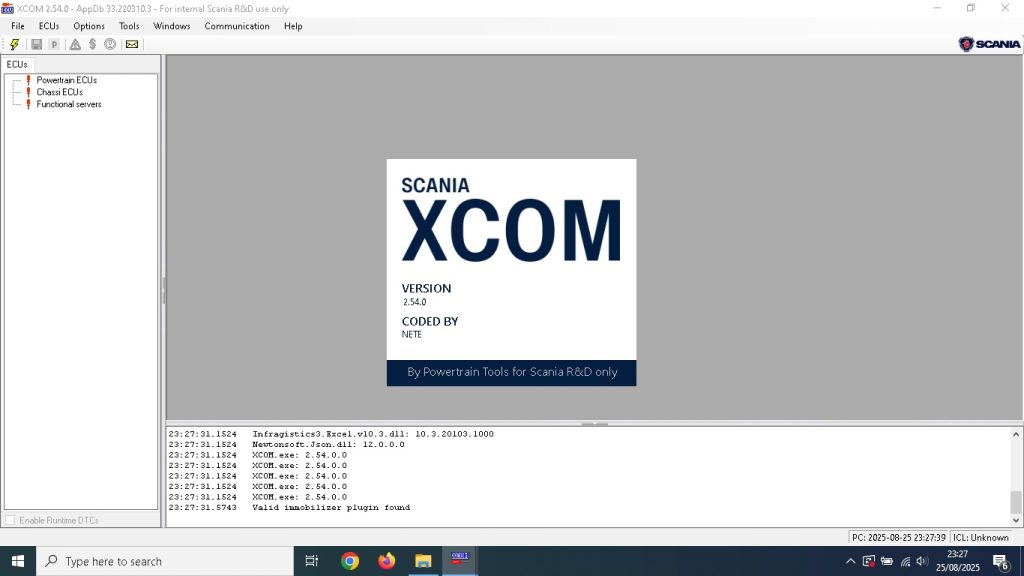
Replacing a Scania ECU isn’t plug-و-play. The new (or used) unit يجب أن يكون programmed مع the المركبات’s correct VIN و chassis ID قبل it will communicate properly مع other modules. Scania XCOM 2.54 is the tool that makes this possible. This step-by-step guide covers VIN البرمجة, chassis ID changes, و immobilizer التهيئة.
Why VIN Programming Matters
Scania trucks use a centralized identification الأنظمة managed by the COO (Coordinator) ECU. The COO stores:
- Chassis ID: Scania’s internal chassis number (typically 6 digits)
- VIN: The 17-character Vehicle Identification Number
- Immobilizer Code: Anti-theft pairing data
عندما replace the EMS, COO, or instrument cluster, the new module must match the المركبات’s الأصلي identification data. Mismatched VINs cause: warning lights, limp mode, immobilizer lockout, و communication failures بين ECUs.
Required Equipment
- Scania XCOM 2.54 software (download below)
- Scania VCI3 or VCI2 adapter (VCI3 recommended)
- Windows 10 laptop مع USB port
- Vehicle’s الأصلي VIN و chassis ID (من previous ECU or registration documents)
- Stable power supply — connect a battery charger أثناء البرمجة إلى prevent voltage drops
الخطوة-by-الخطوة: تغيير رقم VIN via XCOM 2.54
Preparation
- Connect VCI3 إلى the المركبات’s diagnostic port (under-dashboard OBD2 16-pin)
- Turn ignition ON (المحركات OFF)
- Connect VCI3 إلى the laptop via USB
- Launch Scania XCOM و wait لـ VCI detection
- Click “System Scan” إلى identify all connected ECUs
- Read و save the current المعلمات من ALL ECUs — this is your backup
Read Current COO Data
- Select “COO ECU” من the ECU list
- Navigate إلى Parameters → Vehicle Identification
- Record the current Chassis ID و VIN values
- Take a screenshot or write them down — these are your safety net
Program New VIN
- COO ECU → Parameters → VIN (17 characters)
- Enter the correct VIN exactly as it appears on the المركبات registration
- Double-check every character — an incorrect VIN can cause cascading الأنظمة errors
- Click “Write إلى ECU”
- Wait لـ confirmation: “Write successful”
- Read back the value إلى confirm it matches
Program Chassis ID
- COO ECU → Parameters → Chassis ID
- Enter the Scania chassis number (found on the المركبات frame rail or registration)
- Click “Write إلى ECU”
- Verify مع read-back
Immobilizer Configuration
- COO ECU → Parameters → Immobilizer
- Options: “ON” (enabled) or “OFF” (disabled)
- For most replacement ECU scenarios, set إلى “ON” بعد VIN البرمجة
- If the المركبات fails إلى start بعد ECU swap, try “OFF” temporarily إلى تشخيص
- Write إلى ECU
Verify System-Wide Recognition
- Return إلى “System Scan”
- Select each ECU و read VIN/chassis status
- All modules should display the same VIN
- If any module shows a different VIN, update its identification field إلى match
- Clear all DTCs بعد completing identification changes
- Cycle ignition OFF → 30 seconds → Ignition ON
- Perform a final DTC scan إلى confirm no identification-related faults
Common VIN Programming Issues & Fixes
| Issue | Cause | Solution |
|---|---|---|
| “Write Failed” error | Communication interrupted; VCI disconnected | Reconnect VCI; use USB instead of WiFi; retry |
| VIN accepted but not recognized by other ECUs | Only COO was updated; EMS/cluster still has old VIN | Update VIN in each ECU individually |
| Immobilizer lockout بعد VIN change | Immobilizer expects الأصلي VIN pairing | Set Immobilizer → OFF, start المحركات, then ON + rewrite |
| COO not detected | VCI2 limitation on COO7; or power issue | Use VCI3; check COU power supply (fuse 23A) |
| Instrument cluster shows wrong mileage | Cluster stores mileage independently; will show cluster’s mileage | Mileage correction يتطلب cluster-specific tool |
Immobilizer ON vs OFF — When إلى Use Each
Immobilizer ON (Recommended لـ normal operation): The المحركات will only start if the key’s transponder matches the COO ECU’s stored code. Standard anti-theft protection.
Immobilizer OFF (For diagnostics و recovery): Allows المحركات start بدون key pairing. Use أثناء ECU replacement, key loss scenarios, or عند تشخيص no-start conditions. Remember إلى re-enable بعد resolving the issue.
XCOM vs Dealer VCI
XCOM 2.54 مع a third-party VCI3 handles VIN البرمجة, chassis ID, و immobilizer التهيئة identically إلى the dealer tool. The only limitation is that XCOM cannot access Scania’s backend المعايرة database — but لـ VIN/chassis work, no online connection is needed.
Get Scania XCOM 2.54 — Instant Download
➜ Buy Scania XCOM 2.54 — $49 Instant Download